Home / Printable templates with a photo
Updated
Printable obituary templates with a photo
Four editable layouts for a one-page obituary you can print at home or at a copy shop, to hand out at a funeral or memorial. Add the text, add a photo, choose a color and press Print. Nothing is uploaded.
-
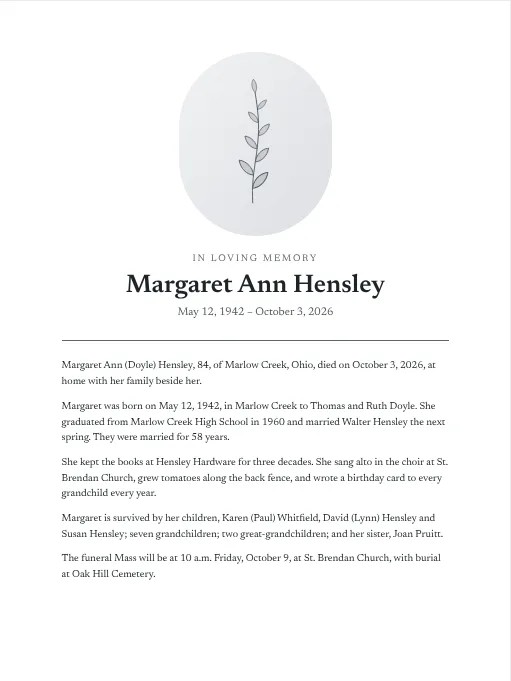 Classic
-
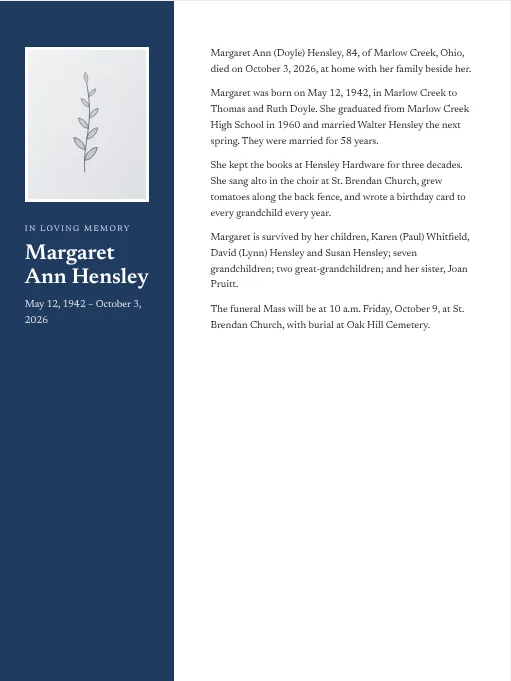 Modern
-
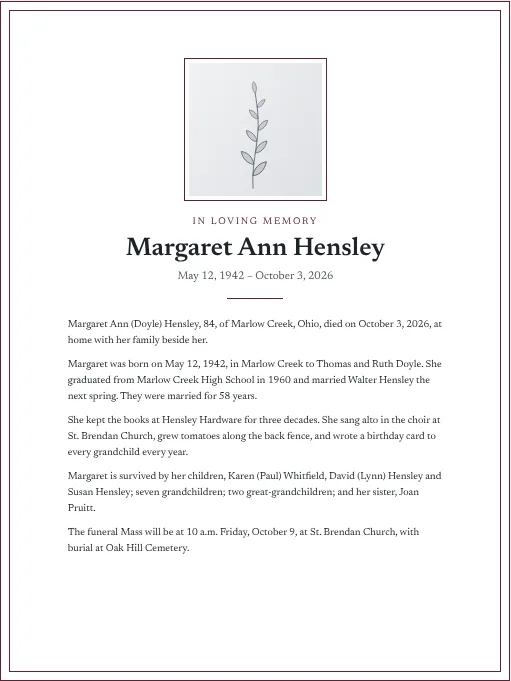 Framed
-
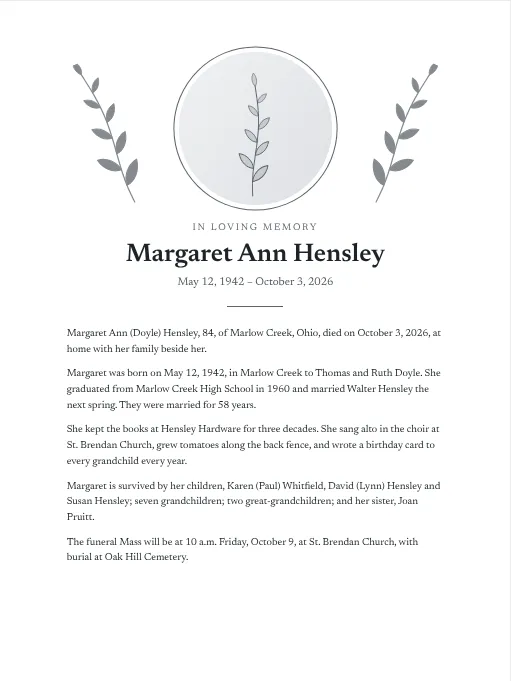 Botanical
In loving memory
Name
How to use it
- Pick a layout and a color.
- Choose a photo from your computer or phone.
- Type the name and dates, then paste in the obituary. If you have not written it yet, the obituary writer will draft it and send it here.
- If the text runs past the bottom of the page, choose a smaller text size or trim a sentence.
- Press Print. To keep a copy, choose "Save as PDF" in the print window.
Choosing the photo
Pick the picture in which the person looks most like themselves. That is often a candid from a family gathering, cropped close.
- Head and shoulders, with the face filling a good part of the frame.
- Good light on the face. Avoid a bright window behind the person.
- A plain background if you have one. A busy one can be cropped.
- Recent, or from the years when most friends knew them.
An old print photographs well with a phone. Lay it flat near a window, hold the phone square above it, and turn off the flash.
Where is a printed obituary used?
Families set copies on a table at the visitation, tuck one inside the funeral program, post one to relatives who are not online, and keep one in the family Bible or a scrapbook. A page printed on good paper keeps better than a newspaper clipping, which yellows with age.
Plain templates
If you only need the wording, the eight text templates and the Word and PDF versions are simpler.
Common questions
Are the printable obituary templates free?
Yes. Choose a layout, add your text and photo, and print as many copies as you need.
Is my photo uploaded anywhere?
No. The photo is opened by your own browser and placed on the page in front of you. It is not sent to us, and it is gone when you close the page.
How do I save the page as a PDF?
Press Print, then choose "Save as PDF" as the printer. On an iPhone or iPad, press Print, then pinch outward on the preview and use Share to save it.
What photo should I use for an obituary?
A clear head-and-shoulders picture in which the person looks the way friends remember them. Good light and a plain background matter more than how recent it is.
What paper should I print on?
Ordinary letter-size paper works. For copies to hand out, a heavier matte paper, around 32 lb, looks better and does not show through.